How Can I Rest My Eyes in 5 Minutes Without Sleeping?
In today’s digital age, many of us spend hours staring at screens — laptops, phones, tablets — often without taking proper breaks. Over time, this causes screen fatigue, a tiredness that not only impacts your eyes but also your overall wellbeing. Luckily, you don’t always need a long break or even sleep to refresh your eyes. With carefully planned micro-breaks, clear boundaries, and purposeful activities, you can rest your eyes in just five minutes and return to work feeling sharper.
Let’s dive into practical, effective strategies supported by insights from the Health and Safety Executive (HSE), technology wellness companies like MRQ, and lifestyle guides from ChuckleS Life.
The Purpose of a Break: More Than Just Staring Away
Before jumping into any break activity, it’s important to remind yourself what the break is for. The HSE stresses the significance of breaks in reducing visual strain from continuous screen use. But this doesn’t mean doomscrolling social media or switching to a different screen.
Effective breaks have a clear, restorative purpose: allow your eyes to rest and refocus naturally. This means minimizing close-up screen focus, reducing blue light exposure, and shifting your posture.

Common Mistakes that Ruin Your Eye Breaks
- Calling "checking phone notifications" an eye break (still close screen focus!)
- Breaks that turn into catching up on emails or reading text
- Ignoring posture and sitting position during breaks
- Skipping timers or breaks with unclear endings, leading to extended 'just one more minute' scenarios
Keeping the break’s purpose front and center helps you avoid these pitfalls and truly refresh your eyes in 5 minutes.
Step 1: Use Distance Viewing — Look Away From Screens
One of the quickest and most effective ways to reduce screen fatigue is to change the focus distance of your eyes. After extended screen use, your eyes are accustomed to focusing on the same near distance — roughly 20-24 inches away on average for laptops.
To rest your eyes properly, follow the 20-20-20 rule recommended by many eye health experts and echoed by platforms like MRQ:
- Every 20 minutes, look at something 20 feet away
- For at least 20 seconds
In a 5-minute break, extend this to: find a distant object (a picture across the room, a tree outside your window, or just the far wall) and focus on it steadily for 1 to 2 minutes. This practice relaxes the eye muscles responsible for near vision and helps relieve digital eye strain.
Practical Tips to Incorporate Distance Viewing
- Position your workstation near a window, so you can naturally glance outside.
- Keep a 'break menu' note taped near your monitor reminding you to look far.
- Set a 5-minute timer (yes, even when it feels silly) to ensure the break has a defined boundary.
Step 2: Micro-Breaks with Clear Endings Prevent Overrun
One secret to effective eye rest is keeping breaks short and clearly timed. What often derails short breaks is a lack of boundaries — the break extending by “just one more minute” has us scrolling or diving into work again.
According to HSE guidelines, micro-breaks of a few minutes with clear start and end times can protect your eyes without affecting productivity. Use tools to help enforce these boundaries:
- Set visible timers on your laptop or phone that are easy to see.
- Use apps like MRQ which offer guided screen breaks and focus sessions.
- Inform colleagues or teammates about your 5-minute break so they’re less likely to interrupt.
This approach helps your brain and eyes fully disengage knowing the break is a limited, purposeful respite — not an open-ended pause.
Step 3: Change Your Posture — Your Eyes & Neck Are Connected
Screen fatigue isn’t just about the eyes. A fixed posture while leaning toward the screen adds tension in your neck and shoulders, which indirectly worsens eye discomfort and headaches.
When you take a 5-minute eye break:
- Stand up and stretch, loosening your shoulders and neck.
- Reposition your seating if needed — tilt your chair slightly back or adjust your chair height.
- Try gentle neck rolls or shoulder shrugs to relieve tension.
ChuckleS Life advocates holistic digital wellbeing, reminding users that small physical movements paired with eye rests amplify the rejuvenating effect.
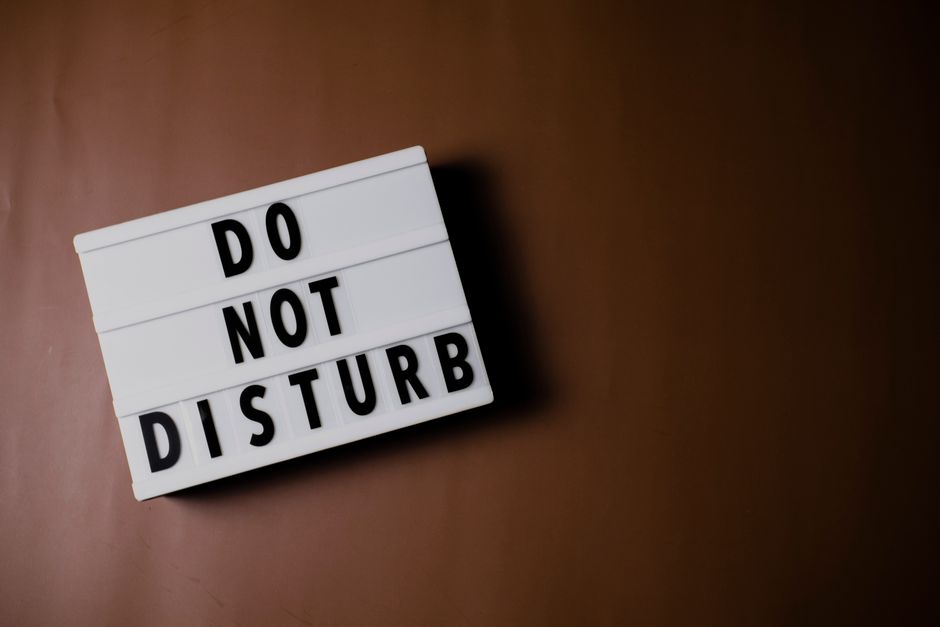
Step 4: Manage Phone Notifications During Breaks
Many feel compelled to check phone notifications during breaks, thinking it’s a mental rest. However, this tends to keep your eyes focused at the same near distance and leads to cognitive overload instead of true rest.
Here’s how you can protect your breaks from becoming “just more screen time”:
- Turn off or mute notifications during work sessions and breaks using the Do Not Disturb feature on your phone.
- Follow a “no phone” rule during your dedicated eye breaks — especially important if your break is only 5 minutes.
- Use apps like MRQ or phone settings to set scheduled downtime.
This helps ensure your break truly serves the purpose of reducing screen fatigue, not fueling it.
Sample 5-Minute Eye Rest Routine
Time Activity Purpose 0:00 - 0:30 Stand up, stretch neck and shoulders, adjust posture Release physical tension impacting vision 0:30 - 3:00 Distance viewing: Focus on an object at least 20 feet away (window, wall, plant) Relax eye muscles, reduce near focus strain 3:00 - 4:30 Walk around or lightly move to stimulate circulation Increase blood flow, reduce eye dryness 4:30 - 5:00 Deep breathing, blink fully and slowly to lubricate eyes Calm the nervous system, refresh tear filmThis routine, simple and no-cost, incorporates distance viewing, posture changes, and micro-break boundaries — keys emphasized by HSE and digital wellbeing experts like ChuckleS Life.
Final Tips from a Former Office Manager Who Gets It
Having managed busy teams for over a decade while juggling back-to-back meetings, I recommend:
breathing exercise 5 minutes- Keep a tiny “break menu” note taped near your monitor with quick rest ideas.
- Always set a timer — I use mine even when it feels silly, because it keeps me honest about break duration.
- Challenge yourself to look outside your window first, before diving into the feed.
- Remember: not every break needs new gear or costly apps — realistic routines fit between meetings without bells and whistles.
By respecting your eyes’ need for distance focus, clear boundaries, and posture shifts, you can beat screen fatigue and give your eyes a meaningful rest in just 5 minutes — no sleeping required.
Start implementing these today. Your eyes https://highstylife.com/is-switching-from-laptop-to-phone-still-a-real-break/ will thank you — and you might just get back to work more refreshed and productive.
Written by a Workplace Wellbeing Coach with 12 years of experience.
Resources referenced include Health and Safety Executive (HSE), MRQ, and ChuckleS Life.